Interface And Application Programming
SEMANA 14: Interface and Application Programming
Interfaces and Applications Programming
During this week I explored user interface (UI) development and communication between applications and embedded systems. The objective was to create an application capable of interacting with the electronic board that I previously designed, allowing a user to view information from sensors and understand the status of the system.
In my case, the interface was integrated with the smart pot project, which uses an HL-69 Soil Moisture Sensor to measure soil moisture. This information is processed by the microcontroller and sent to the interface so that the user can view the status of the plant.
In addition, the system incorporates an OLED Display Module and a Mini Speaker Module, which allow visual and auditory feedback to be generated when the plant needs to be watered.
In this way, the system connects sensor, microcontroller, interface and user, generating a simple interaction that facilitates plant care.
Main Result
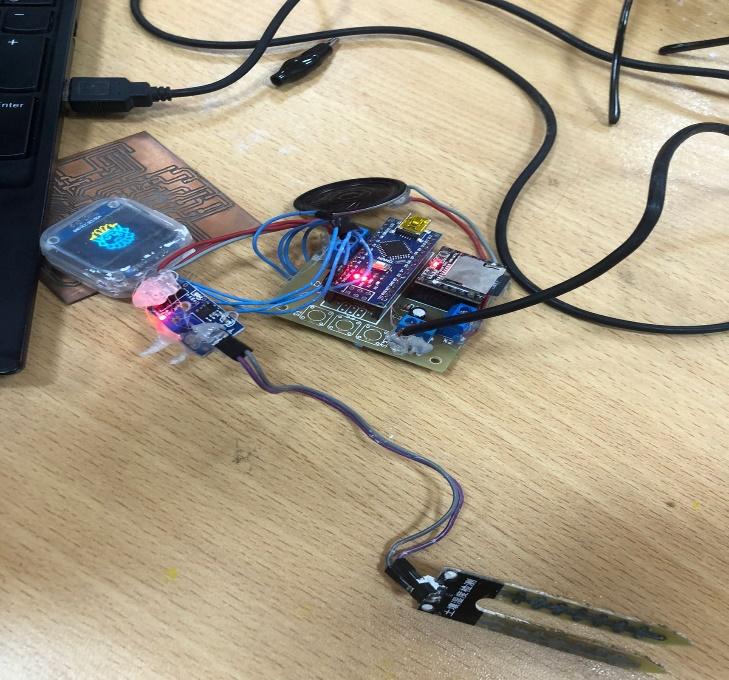
Figure 1. Smart plant pot system running and communicating with the embedded board through the user interface.
Group Assignment
Comparison of interface development tools
As part of the group activity we explored different tools used to create user interfaces that can communicate with embedded systems.
During this activity we analyze the advantages and characteristics of different programming tools used to develop graphical interfaces and applications that interact with microcontrollers.
Among the aspects evaluated were considered:
ease of use
microcontroller compatibility
data visualization capability
application development speed
This analysis allowed us to understand that there are multiple ways to create interfaces to interact with hardware, from simple applications to more advanced data visualization platforms.
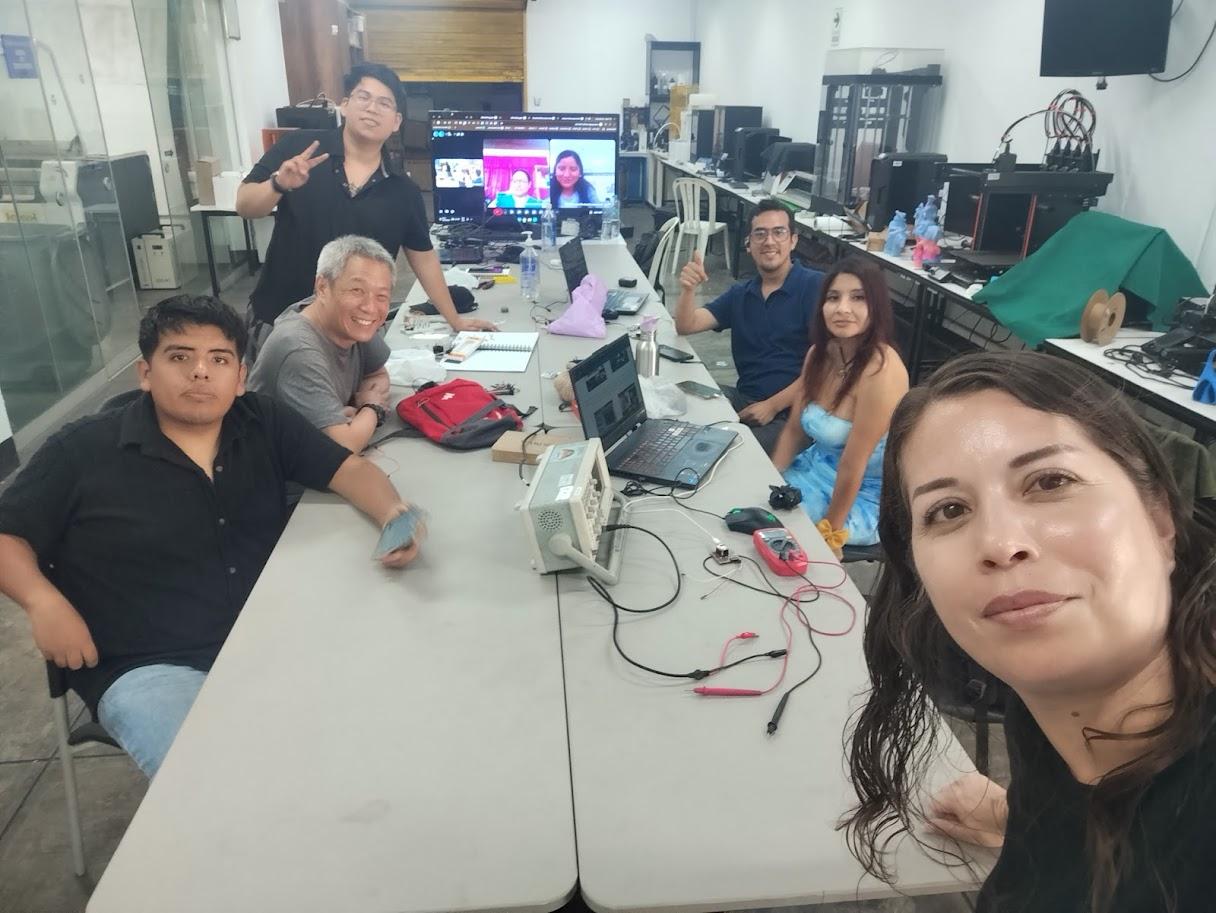
Photo of the group testing software or comparing tools.
Figure 2. Exploring different interface programming tools during the group assignment.
System Concept
The system developed for this exercise is based on a smart pot capable of monitoring soil moisture and communicating the status of the plant to the user.
The general operation of the system is as follows:
The moisture sensor measures soil moisture.
The microcontroller processes the information received.
Information is displayed on the OLED screen.
When the humidity is low, the system activates a warning through a speaking module.
In this way the user receives clear information about when to water the plant.
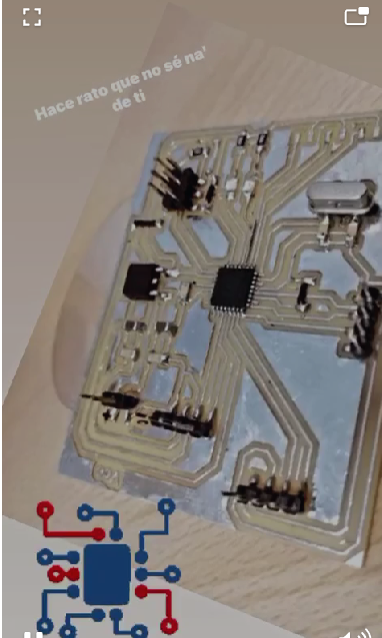
Photo of the system diagram (sensor + board + screen).
Figure 3. System architecture of the smart plant pot.
Interface Development
To create the interface, an application was developed that allows viewing the data sent by the board.
This application was programmed to receive information from the microcontroller and show the status of the system to the user.
The interface allows you to easily interpret the sensor information and understand if the plant needs to be watered or if the humidity level is adequate.
.
.
Capture of the program or interface software.
Figure 4. User interface used to visualize data from the smart plant pot system.
Communication with the Microcontroller
Communication between the application and the board is carried out through serial communication, allowing the data generated by the sensor to be sent to the system and displayed on the interface.
The microcontroller processes the data coming from the humidity sensor and transmits this information to the application, allowing direct interaction between the physical system and the user.
This type of communication is widely used in embedded systems to transmit data between devices.
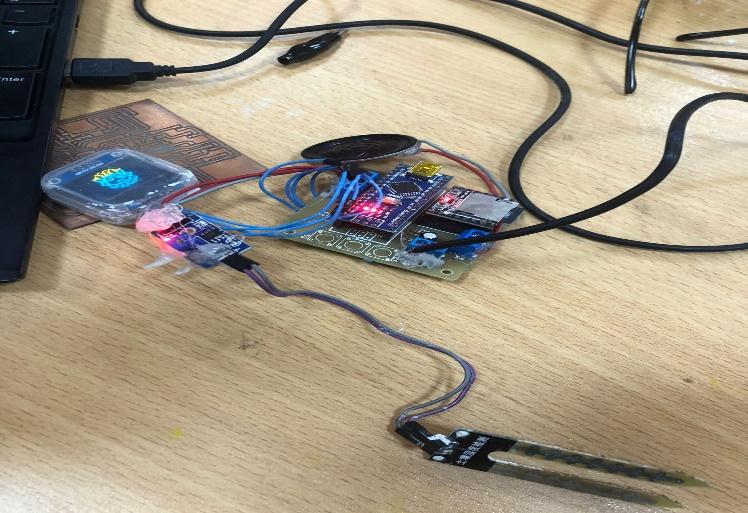
Foto de:
la placa conectada al computador
cables
monitor mostrando datos
Figure 5. Serial communication between the embedded board and the user interface.
Application Running
Once communication between the board and the application is established, the system can display real-time information on the status of soil moisture.
When the sensor detects that the humidity level is low, the application reflects this condition and the system activates the corresponding warning through the speaker module and the OLED screen.
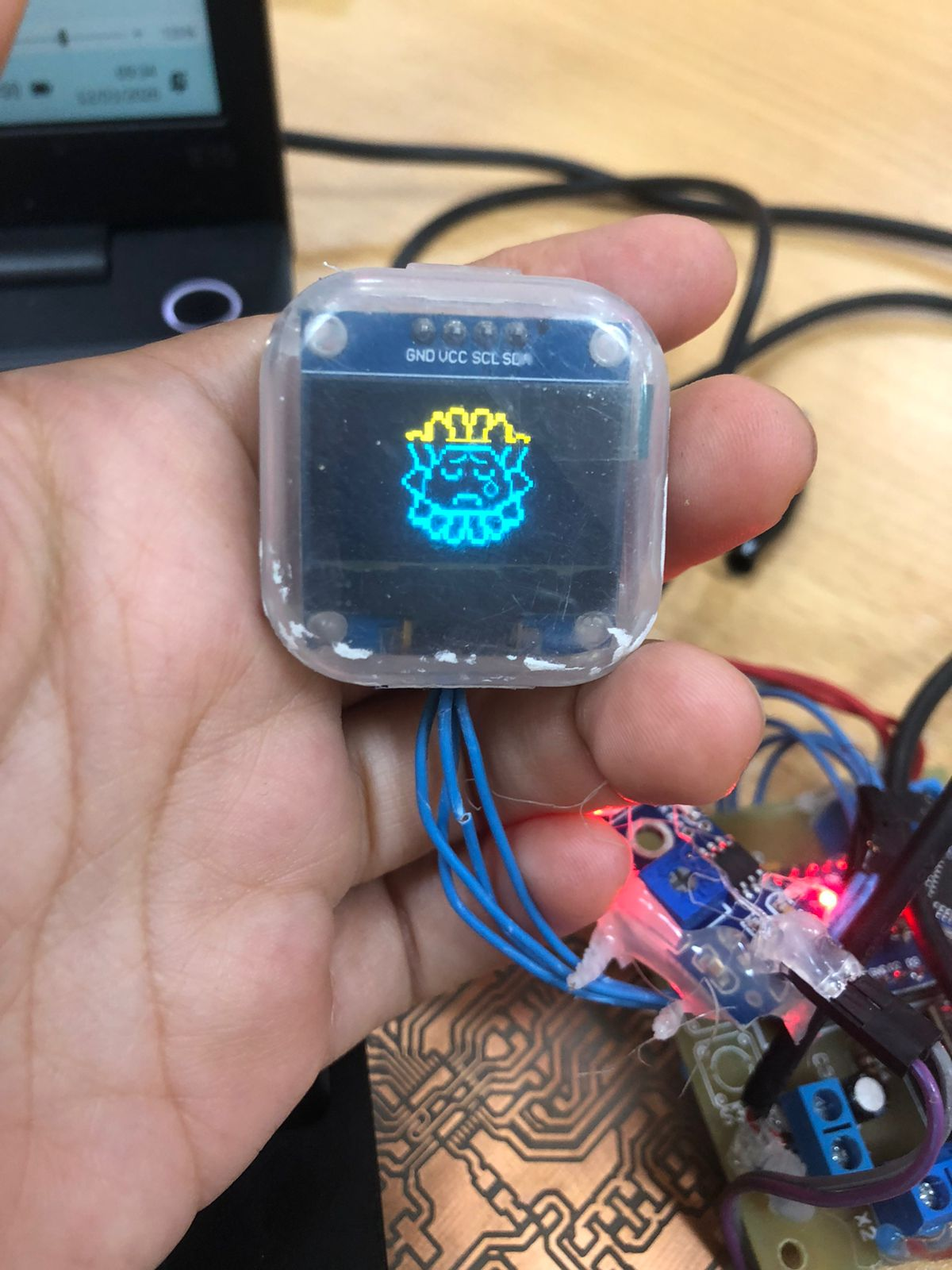
Photo of OLED screen showing message.
Figure 6. OLED display showing information about soil moisture levels.
Source Code
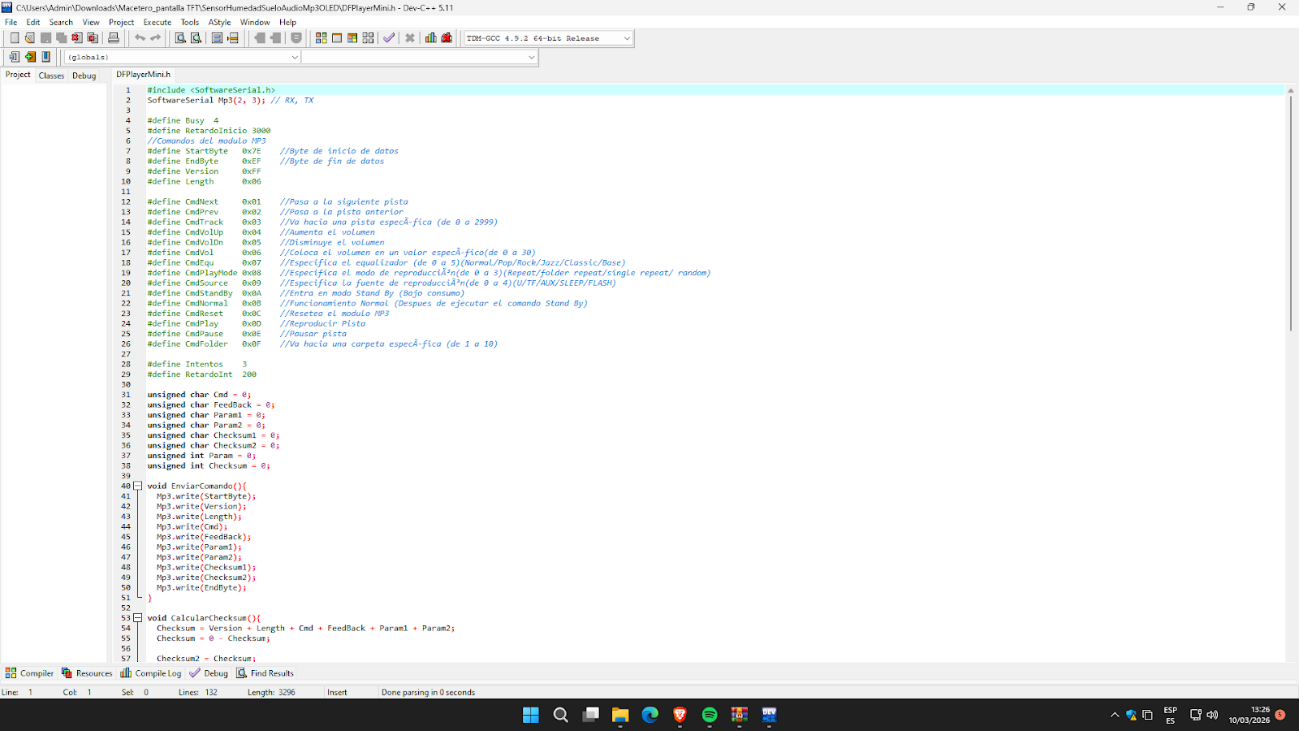
Below is the code used for communication between the humidity sensor, the microcontroller and the system interface.
This code allows reading the sensor values and sending the information to the interface for viewing.
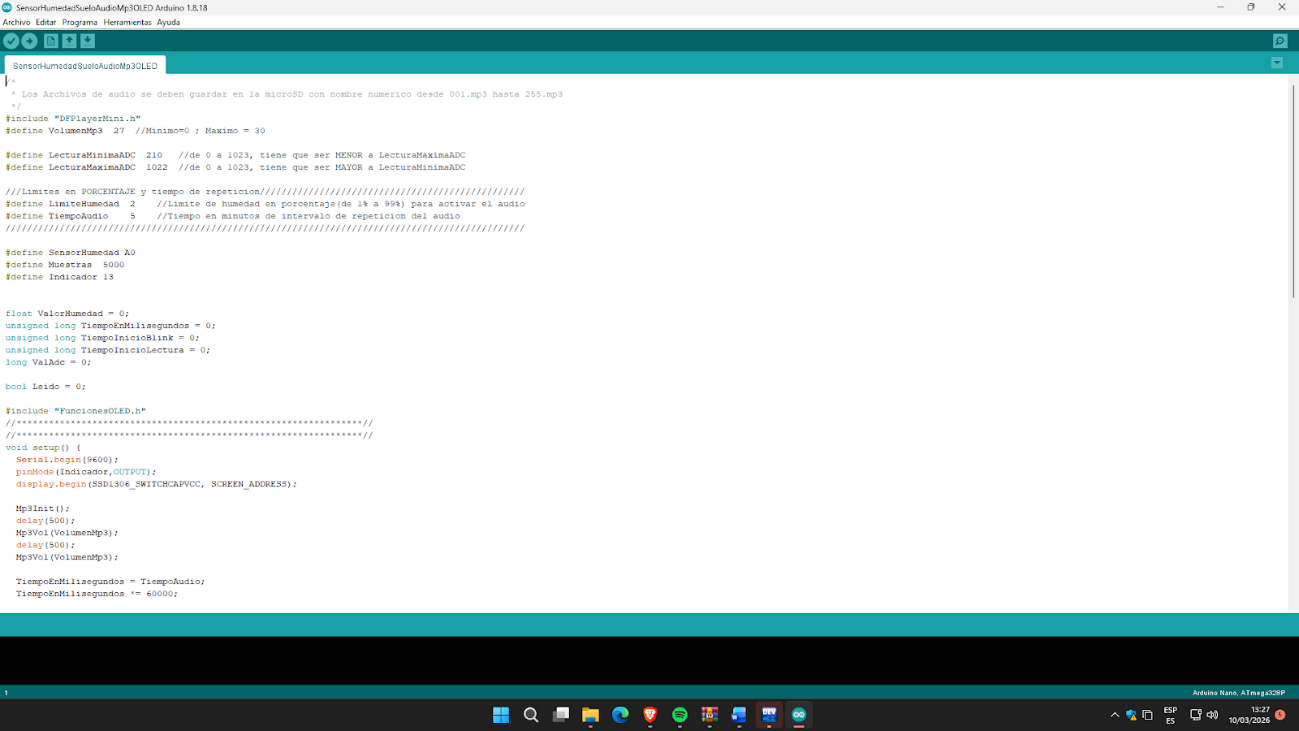
Capture the code in Arduino or the program you use.
Figure 7. Source code used for the smart plant pot interface.
Problems and Solutions
Some technical challenges arose during the development of the system.
Unstable sensor readings
In some tests the humidity sensor generated fluctuating readings.
Solution: Multiple readings were taken and an average was used to obtain more stable values.
Communication with the interface
Initially the communication between the board and the application was not stable.
Solution: Serial communication parameters were reviewed, ensuring that both systems used the same transmission speed.
Reflection
This activity allowed us to understand how a user interface can be integrated with an embedded system to improve the interaction between people and devices.
The development of this application also contributes to the advancement of my final project, the smart pot, demonstrating how sensors, microcontrollers and applications can be integrated to create technological solutions that facilitate plant care.